



-
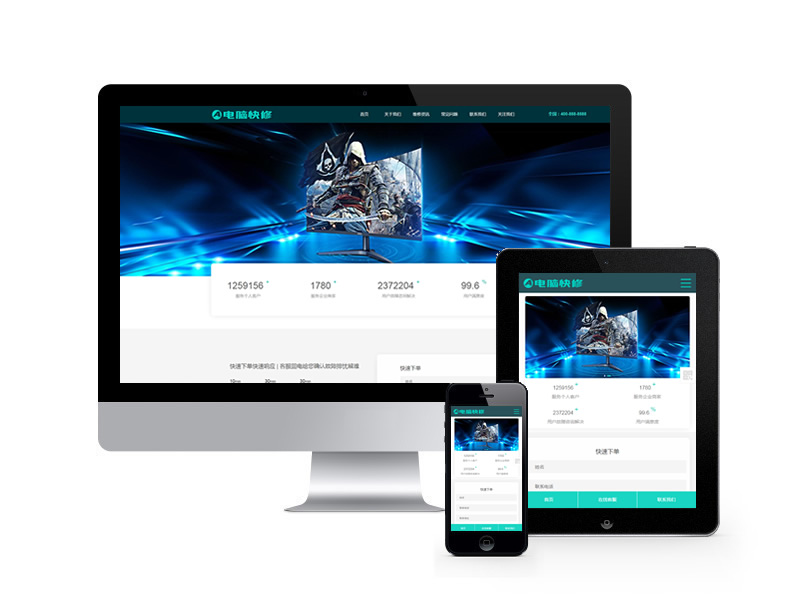 電腦快修維修類網站pb...
-
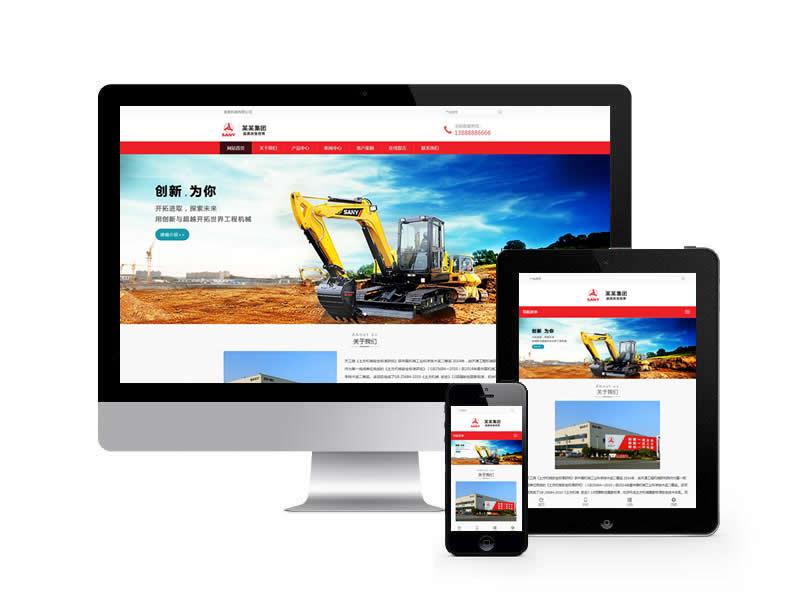 挖土機工程機械設備網站...
-
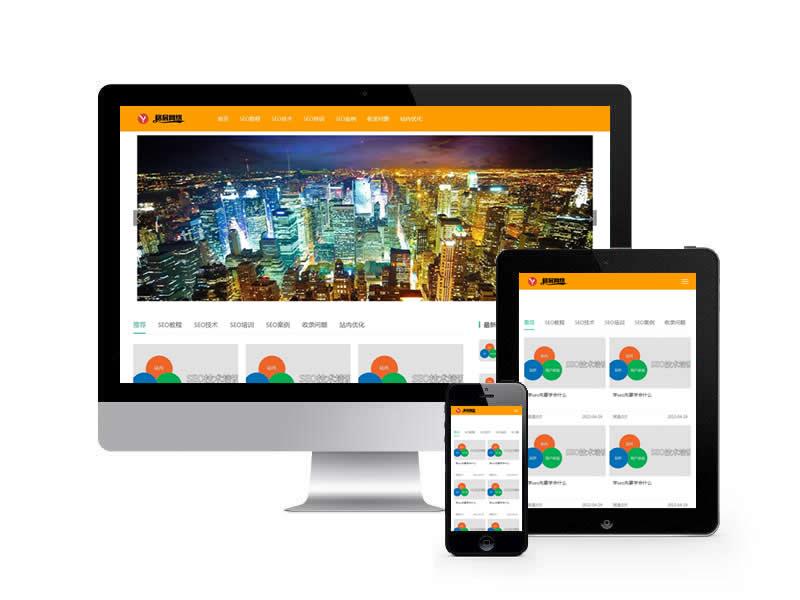 新聞博客教程資訊類網站...
-
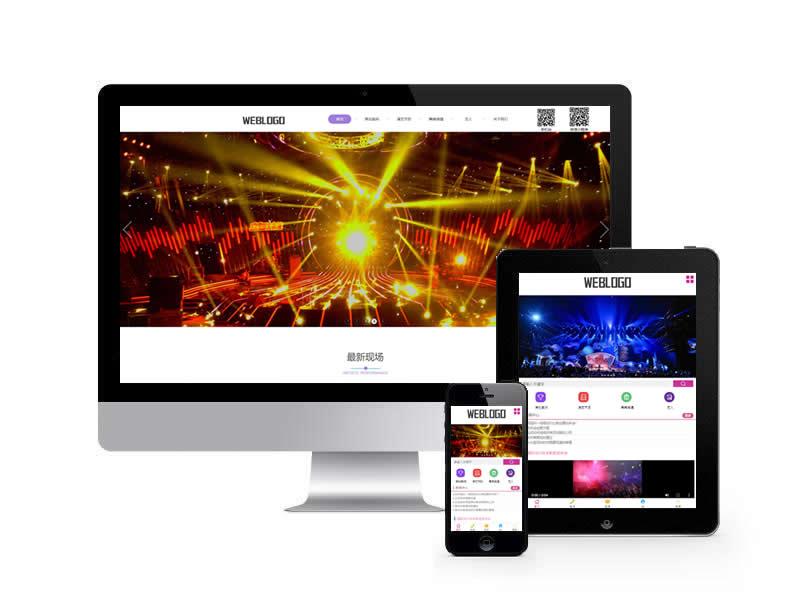 文藝演出策劃類網站pb...
-
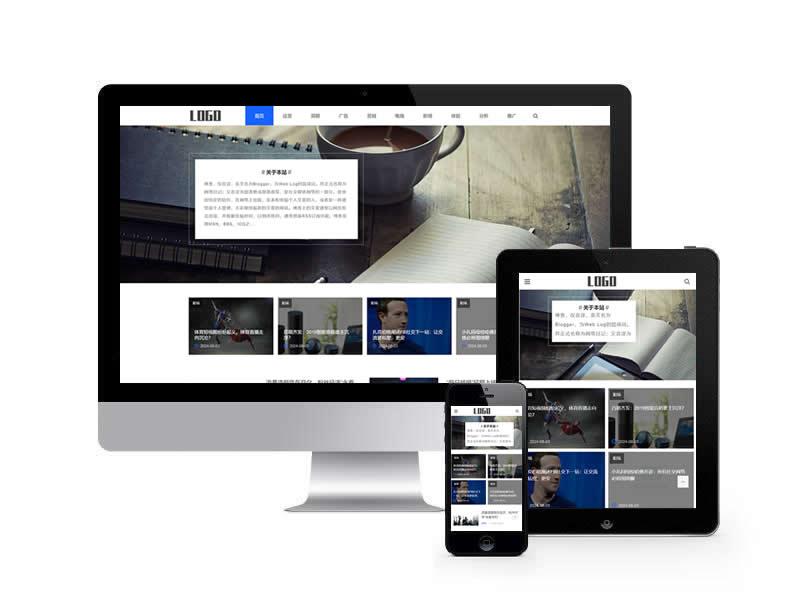 博客類網站pbootcms模板...
-
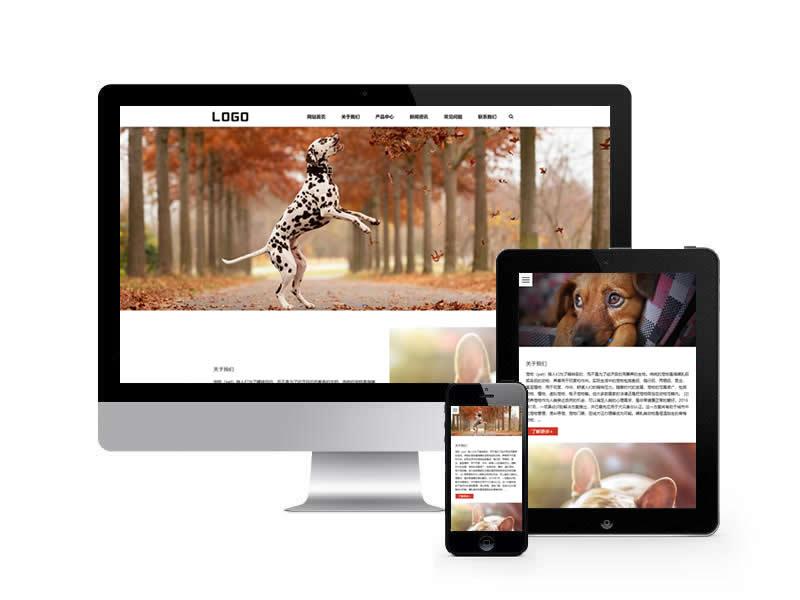 貓糧狗糧類網站pbootcms模...
-
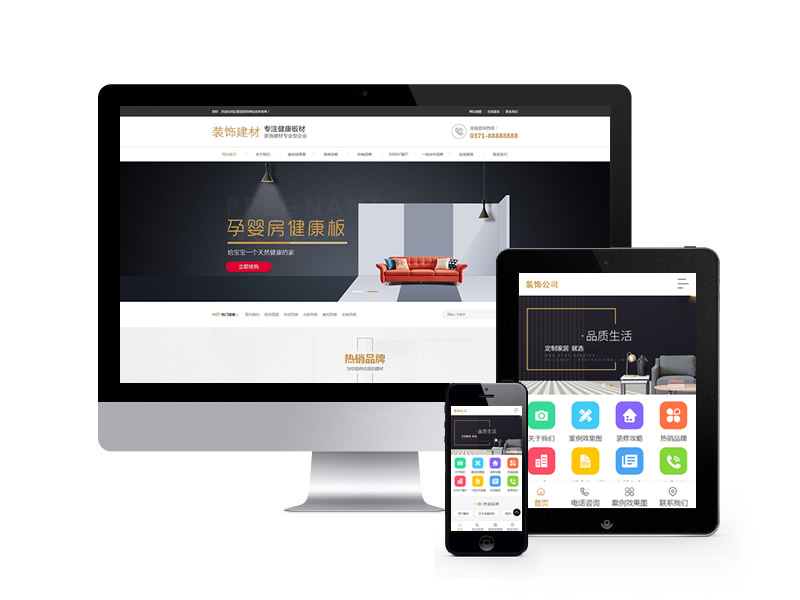 裝修裝飾設計公司類網站...
-
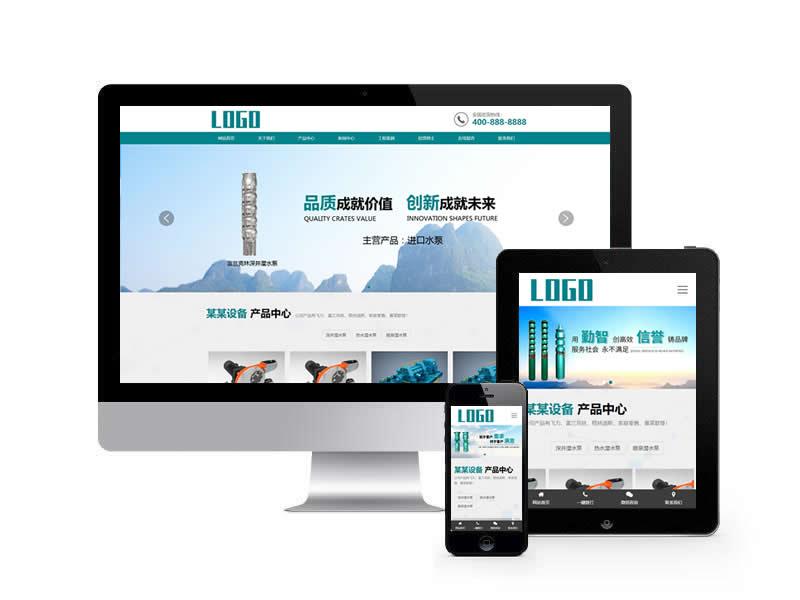 水泵設備類網站pbootcms模...
-
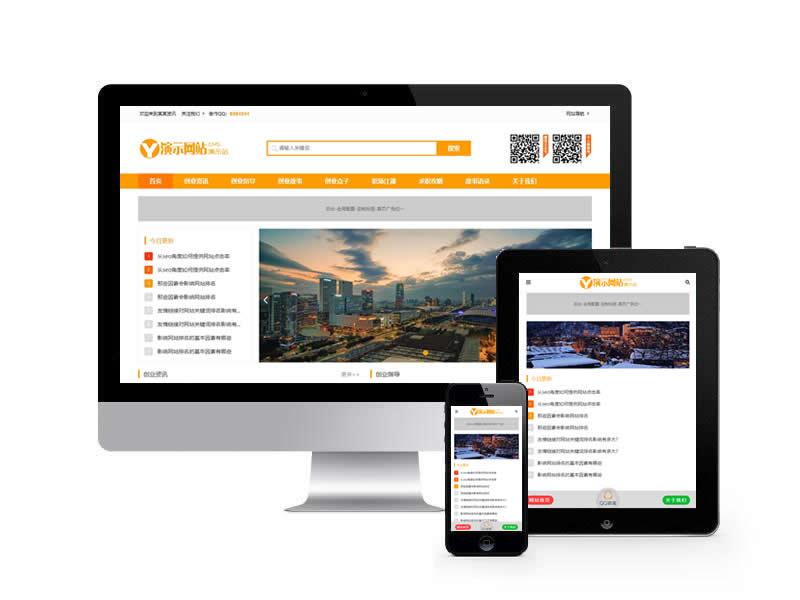 創業資訊文章博客類網站...
-
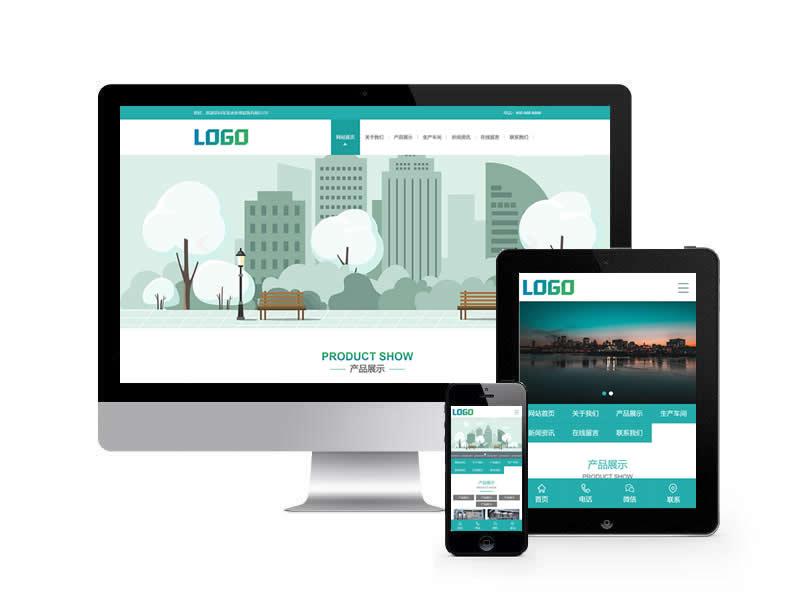 凈水設備類網站pbootcms模...
-
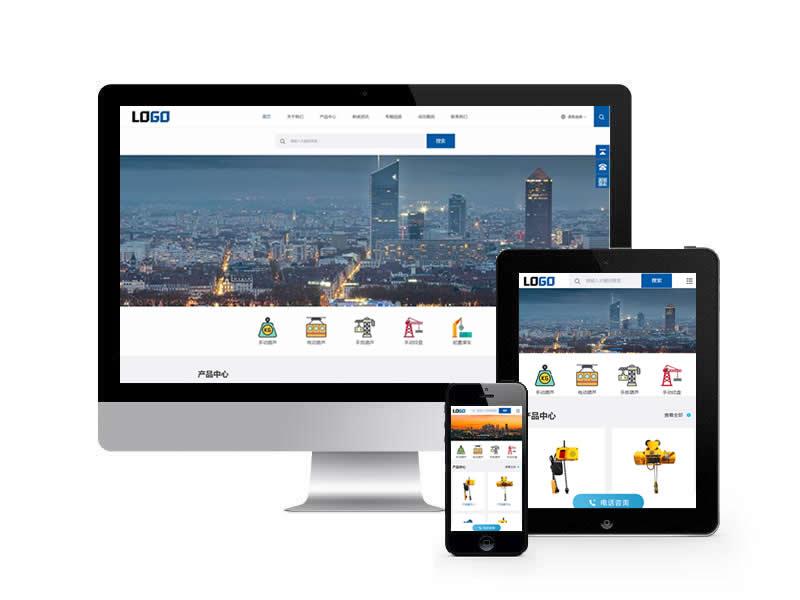 中英雙語電動葫蘆類網站...
-
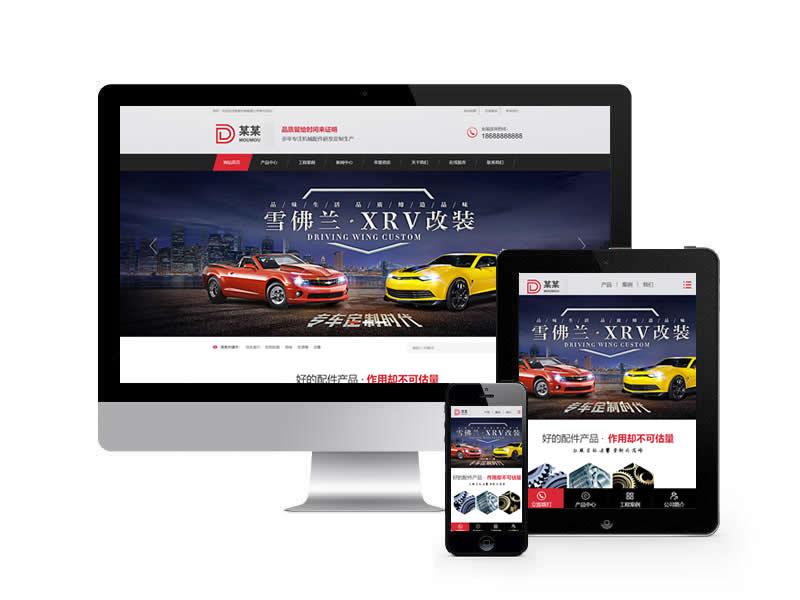 機械加工制造類網站pb...
-
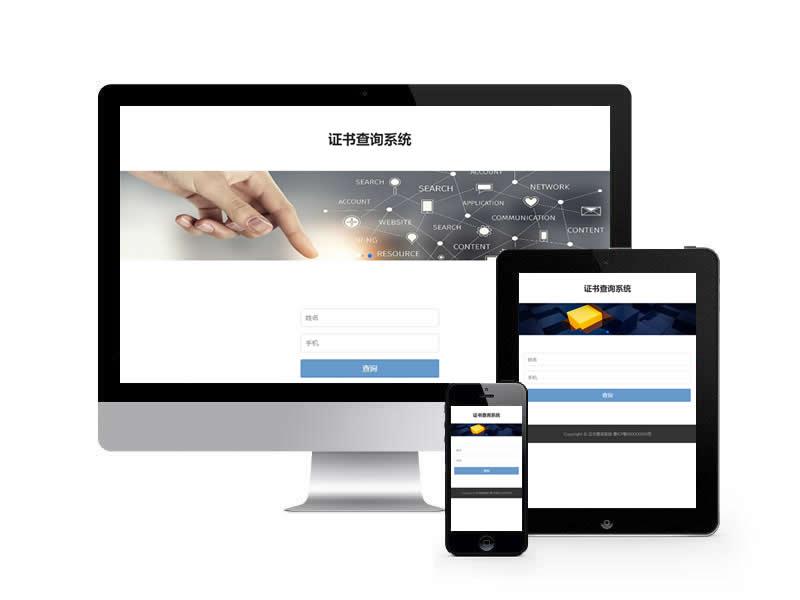 證書查詢系統類網站pb...
-
 戶外露營設備類網站pb...
-
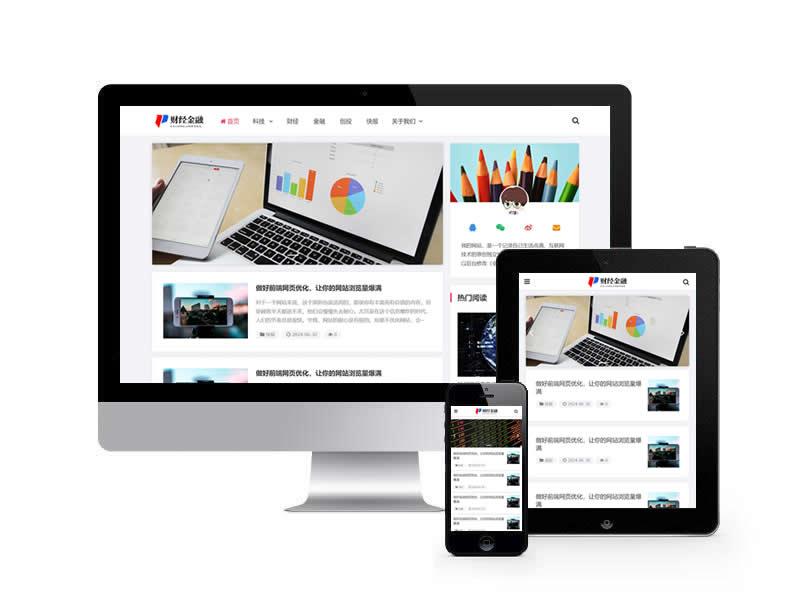 財經新聞資訊類網站pb...
-
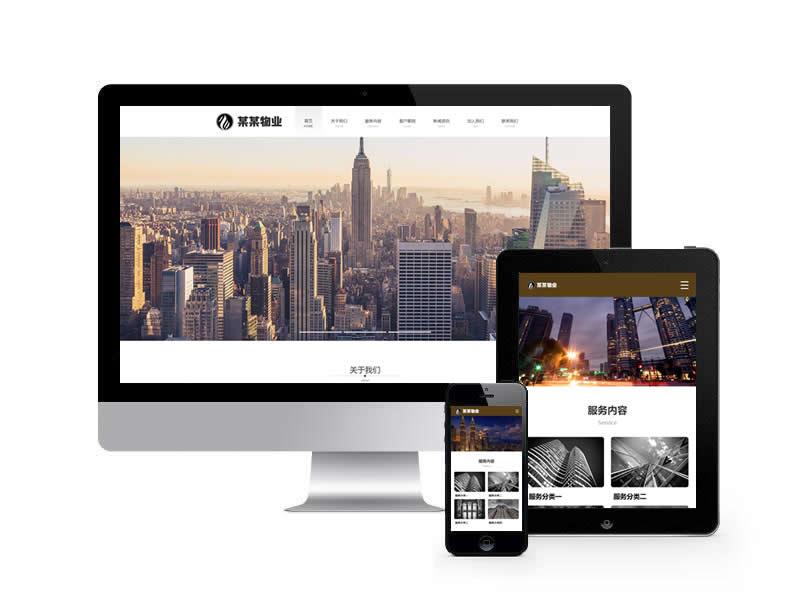 物業管理類網站pbootcms模...
-
 機械容器類網站pbootcms模...
-
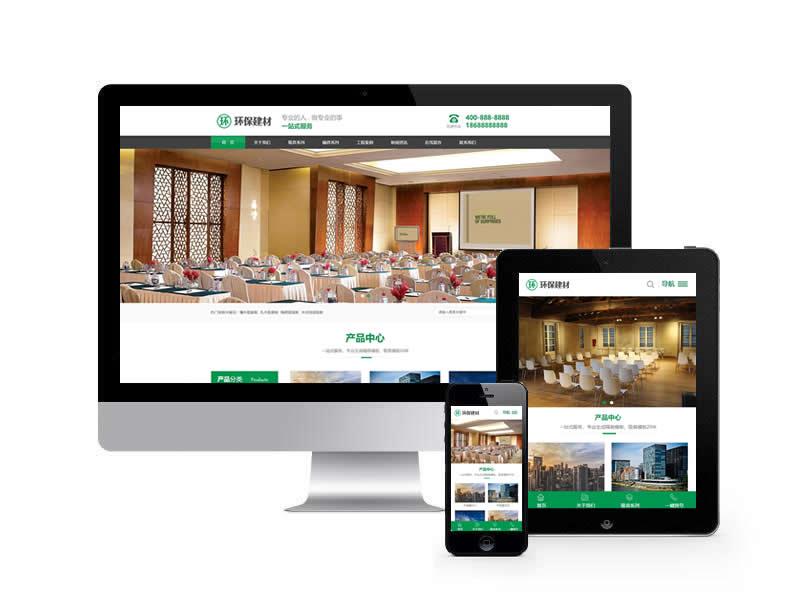 聲學建材類網站pbootcms模...
-
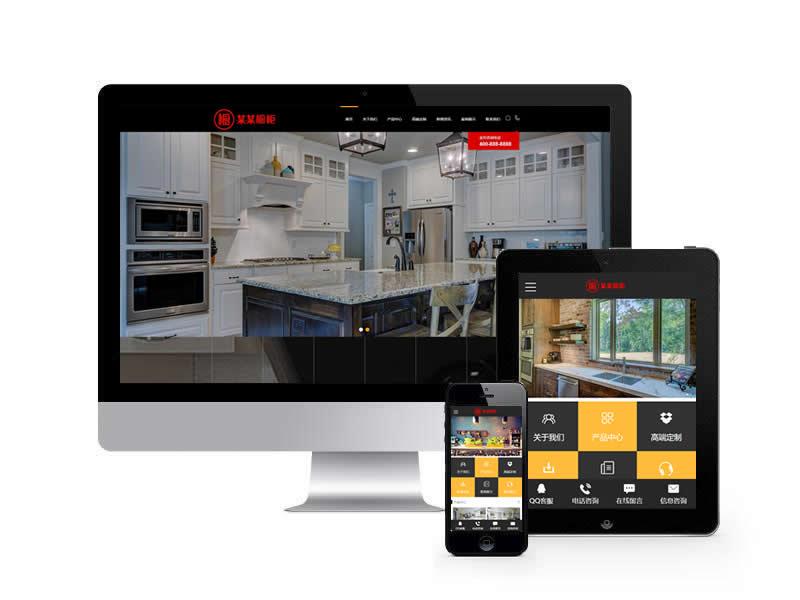 廚房廚具類網站pbootcms模...
-
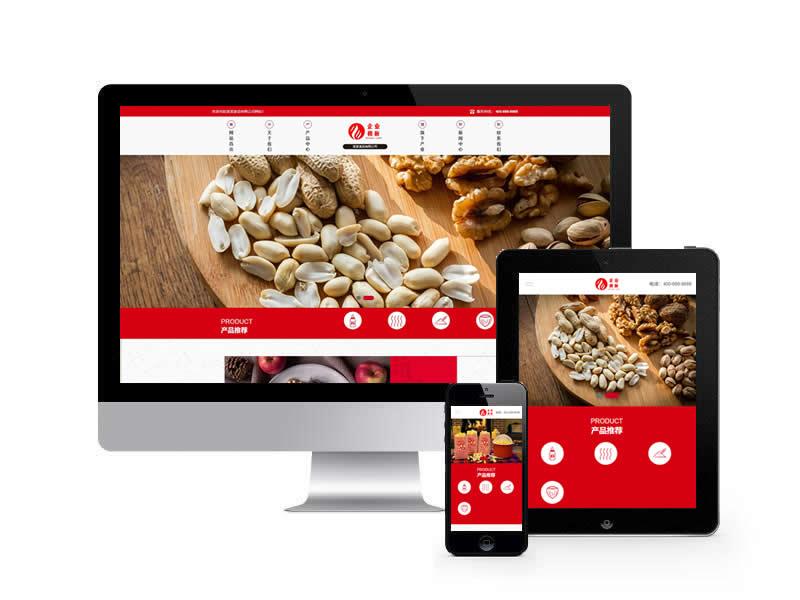 食品加工企業類網站pb...
Ajax提交<form onsubmit="return submsg(this);">
聯系人<input type="text" name="contacts" required id="contacts">
手 機<input type="text" name="mobile" required id="mobile">
內 容<textarea name="content" id="content"></textarea>
驗證碼<input type="text" name="checkcode" required id="checkcode">
<img title="點擊刷新" src="{pboot:checkcode}" onclick="this.src='{pboot:checkcode}?'+Math.round(Math.random()*10);" />
<button type="submit">提交留言</button>
</form>
<script>
//ajax提交留言,由于涉及到提交地址標簽的解析,JS需要放在html文件中
function submsg(obj){
var url='{pboot:msgaction}'; //如果是自定義表單則使用地址{pboot:form fcode=*}
var contacts=$(obj).find("#contacts").val();
var mobile=$(obj).find("#mobile").val();
var content=$(obj).find("#content").val();
var checkcode=$(obj).find("#checkcode").val();
$.ajax({
type: 'POST',
url: url,
dataType: 'json',
data: {
contacts: contacts,
mobile: mobile,
content: content,
checkcode: checkcode
},
success: function (response, status) {
if(response.code){
alert("謝謝您的反饋,我們會盡快聯系您!");
$(obj)[0].reset();
}else{
alert(response.data);
}
},
error:function(xhr,status,error){
alert('返回數據異常!');
}
});
return false;
}
</script>